Use your phone to scan the code and open the document submission workflow directly.
02
Submit your document
Upload your file and review the order details before you move on to payment.
03
Pay before printing
Complete payment securely so your print job can move into production.
04
Collect your printouts
Pick up your finished copies without unnecessary wait times or confusion.
Print options
Clear choices for every print job
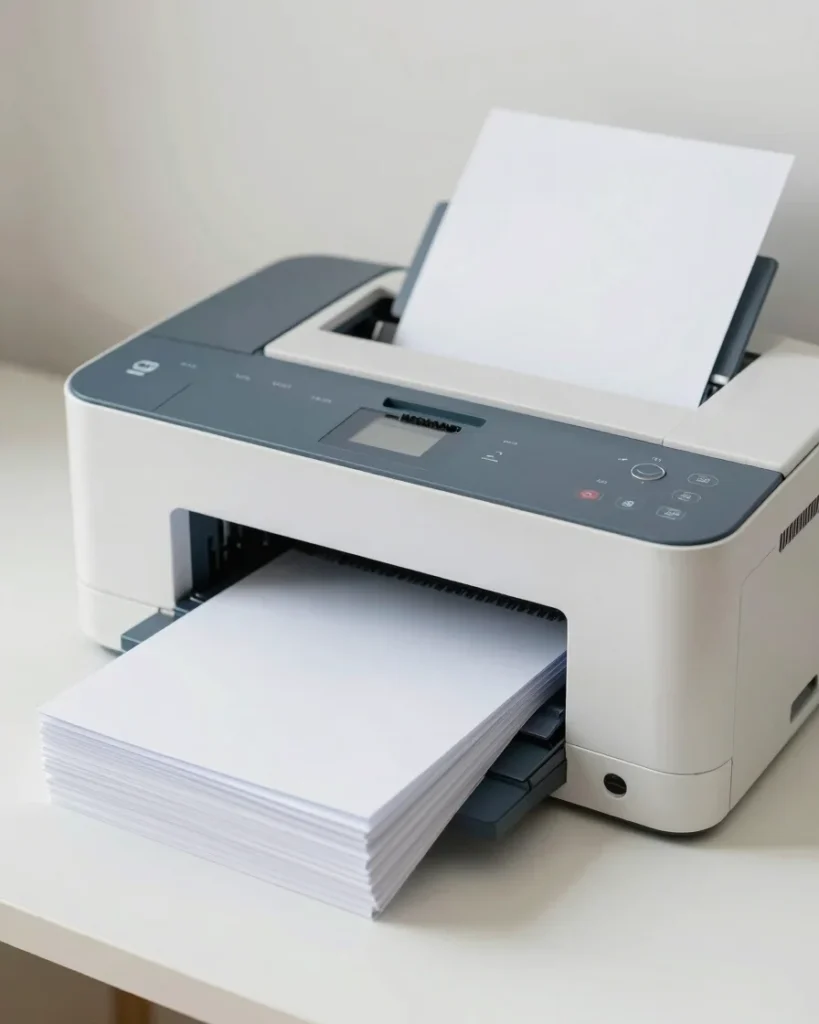
Choose black-and-white or color printing, then select the paper handling and collection details that match your document. Each option is shown before you pay so you know exactly what you are ordering.
Standard print configurations are available in the Print Store, and our services page covers the full range of fulfillment options.